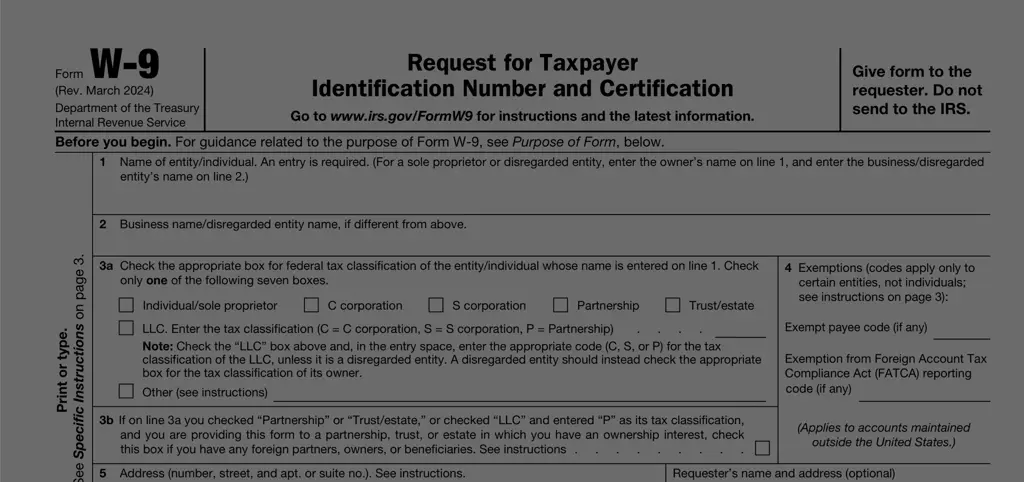
2022-2024 Printable Template
This website is not affiliated with IRS
PDF Scale makes Form DS-11 simple
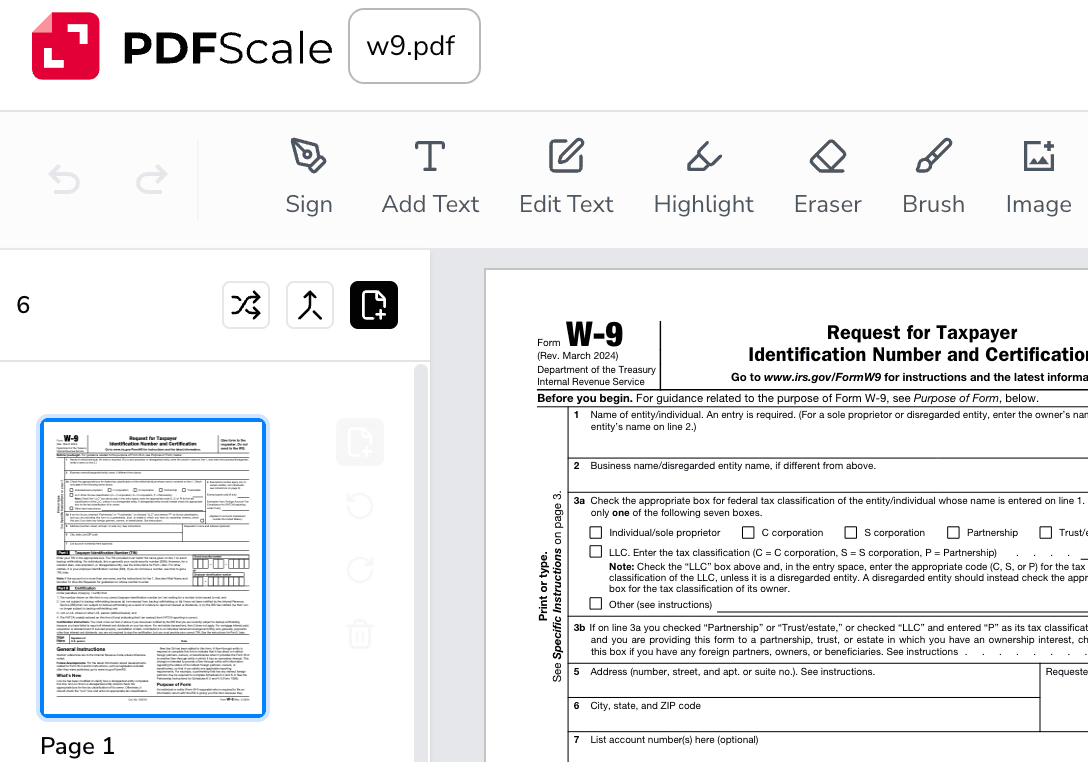
Fill out your application
Complete all required fields for your U.S. passport application using our easy-to-use form filler.
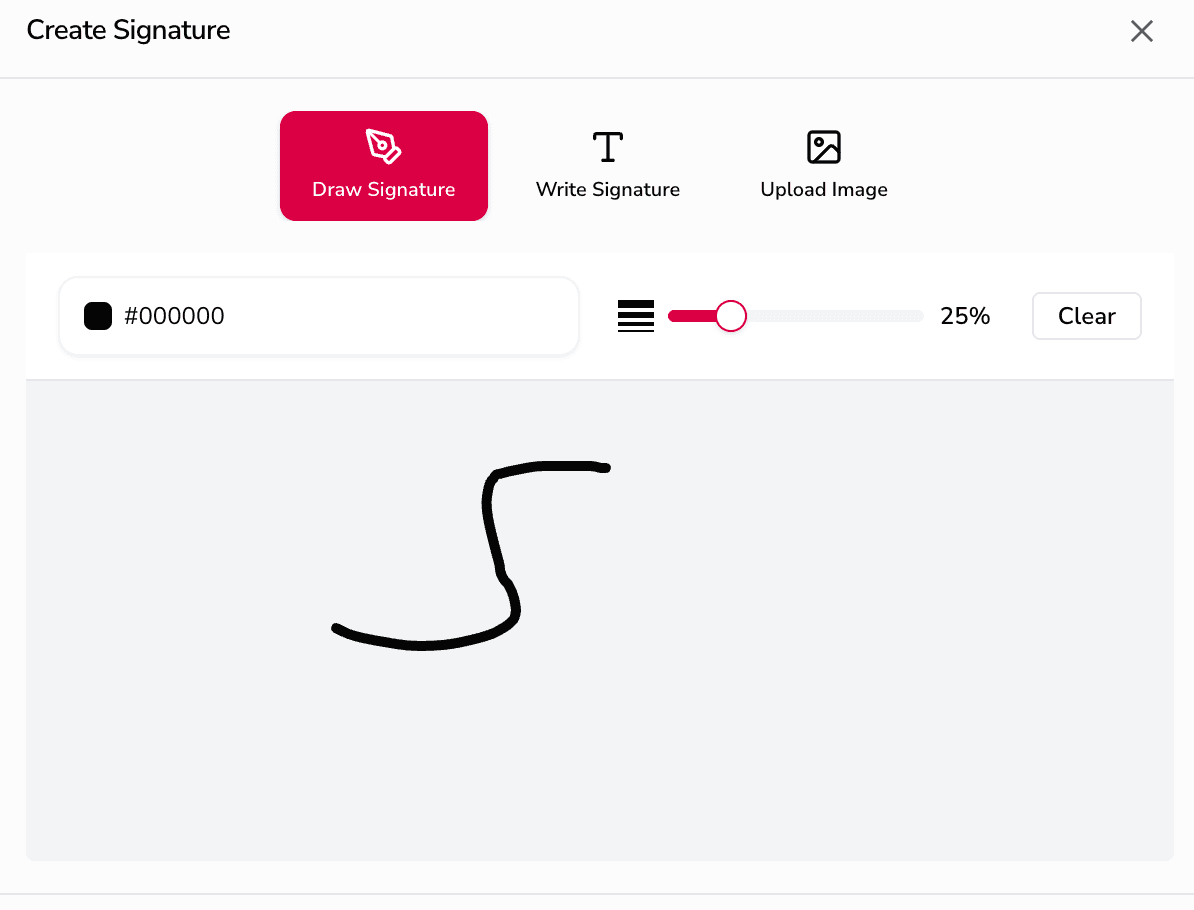
Review and print
Review your completed DS-11 form, then print it out to submit in person at an acceptance facility.

Save securely
Keep a digital copy in your account for your records or to make updates before your appointment.
What is Form DS-11 used for?
Form DS-11 is the official U.S. Department of State application for a U.S. passport. This form is used by first-time applicants, minors under 16, and individuals whose previous passport was lost, stolen, damaged, or issued more than 15 years ago. The DS-11 collects personal information such as your name, date of birth, Social Security number, and contact details needed to process your passport application.
You can fill out Form DS-11 online using our PDF editor to ensure accuracy and legibility. However, you must not sign the form until you are in the presence of an acceptance agent at a passport acceptance facility. Signing beforehand will invalidate your application.
Along with the completed DS-11, you'll need to provide proof of U.S. citizenship (such as a birth certificate or naturalization certificate), proof of identity, a recent passport photo, and the applicable fees. Processing times vary, so plan ahead if you need your passport for upcoming travel.

How to fill out Form DS-11 online?
Click the Fill Form button to open the DS-11 application in our online editor
Enter your personal information including name, date of birth, Social Security number, and contact details
Review all fields carefully for accuracy—do NOT sign the form yet
Print the completed form and bring it to a passport acceptance facility to sign in person

Fill out Form DS-11 in Minutes
Prepare your passport application quickly and accurately